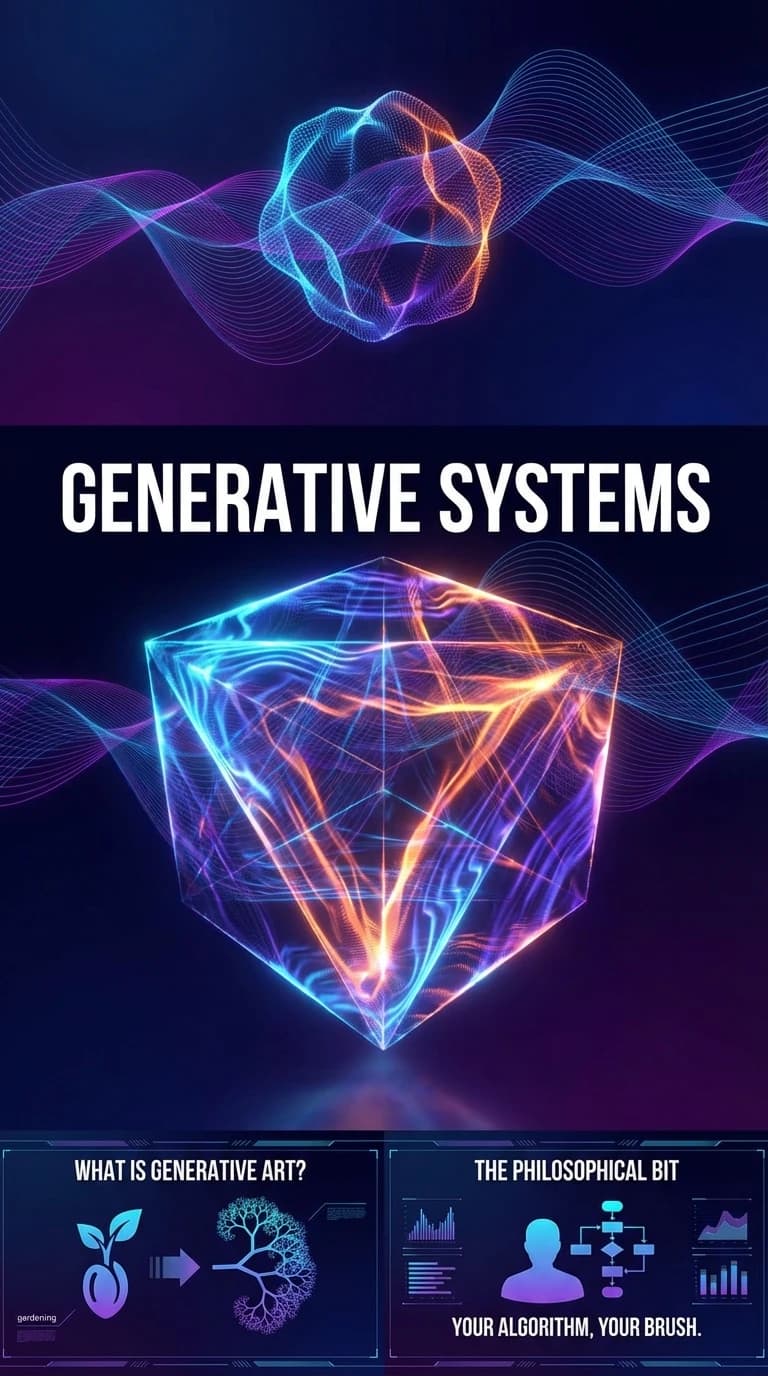
Write the rules for a brand that changes.
What if a brand identity could evolve? Not through redesigns, but through code that creates infinite variations on a theme. This is the promise of generative design—visual systems that are authored once but produce endless unique outputs.
What Is Generative Art?
Generative art is artwork created with the use of autonomous systems—typically code. The artist defines rules, parameters, and constraints; the system executes. The results are partially controlled, partially emergent.
Think of it like gardening versus painting. A painter controls every brushstroke. A gardener plants seeds, sets conditions, and lets nature do its work within those constraints.
Getting Started with p5.js
p5.js is a JavaScript library that makes creative coding accessible. It's the spiritual successor to Processing, the language that democratized generative art in the early 2000s.
Here's a minimal example—a field of circles that responds to mouse position:
function setup() {
  createCanvas(800, 600);
  noStroke();
}

function draw() {
  background(0);

  for (let x = 0; x < width; x += 40) {
    for (let y = 0; y < height; y += 40) {
      // Distance from mouse affects size
      let d = dist(mouseX, mouseY, x, y);
      let size = map(d, 0, 300, 30, 5);
      size = constrain(size, 5, 30);

      // Color shifts based on position
      let hue = map(x + y, 0, width + height, 180, 320);
      fill(hue, 80, 90); // HSB color

      ellipse(x, y, size);
    }
  }
}
This creates an interactive grid where circles grow larger near your cursor. Simple rules, emergent behavior.
Perlin Noise: The Secret Sauce
Most interesting generative systems use noise functions—mathematical functions that produce smooth, natural-looking randomness. Perlin noise (invented by Ken Perlin for the original Tron) is the gold standard.
let xoff = 0;
let yoff = 1000;
let particles = [];

function setup() {
  createCanvas(800, 600);
  colorMode(HSB, 360, 100, 100, 100);

  // Create particle system
  for (let i = 0; i < 500; i++) {
    particles.push({
      x: random(width),
      y: random(height),
      hue: random(180, 280)
    });
  }
}

function draw() {
  // Semi-transparent background for trails
  background(0, 0, 0, 5);

  particles.forEach(p => {
    // Noise-based flow field
    let angle = noise(p.x * 0.005, p.y * 0.005) * TWO_PI * 2;

    // Move particle
    p.x += cos(angle) * 2;
    p.y += sin(angle) * 2;

    // Wrap around edges
    if (p.x < 0) p.x = width;
    if (p.x > width) p.x = 0;
    if (p.y < 0) p.y = height;
    if (p.y > height) p.y = 0;

    // Draw
    fill(p.hue, 70, 90, 50);
    noStroke();
    ellipse(p.x, p.y, 3);
  });
}
This creates a "flow field"—particles moving along invisible currents defined by noise. Each frame is unique, but the overall aesthetic is consistent.
Real-World Applications
Dynamic Logos - MIT Media Lab's identity system generates a unique logo for each person. Designed by Pentagram, it uses code to create infinite variations within brand guidelines.
Album Art - Spotify's "Wrapped" campaign uses generative systems to create personalized artwork for millions of users.
Data Visualization - Wind maps, population flows, network traffic—generative techniques make complex data tangible.
Architecture - Firms like Zaha Hadid Architects use generative algorithms to explore structural possibilities.
Building a Living Brand System
Here's a framework for creating generative brand elements:
- Define your constants - Colors, proportions, and shapes that never change
- Identify your variables - What can change? Size? Position? Rotation? Color saturation?
- Set your constraints - Maximum/minimum values, forbidden combinations
- Choose your inputs - Time? User data? Audio? Random seed?
// Brand constants
const BRAND_COLORS = ['#22d3ee', '#db2777', '#3f6212'];
const MIN_SIZE = 10;
const MAX_SIZE = 100;

// Generative logo function
function generateLogo(seed) {
  randomSeed(seed);

  const shapes = [];
  const numShapes = floor(random(5, 12));

  for (let i = 0; i < numShapes; i++) {
    shapes.push({
      x: random(-50, 50),
      y: random(-50, 50),
      size: random(MIN_SIZE, MAX_SIZE),
      color: random(BRAND_COLORS),
      rotation: random(TWO_PI),
      type: random(['circle', 'square', 'triangle'])
    });
  }

  return shapes;
}

// Same seed = same logo
// New seed = new variation
By controlling the seed, you can reproduce specific outputs or generate fresh ones on demand.
Resources & Repositories
Learning:
- The Coding Train (YouTube) - Dan Shiffman's p5.js tutorials are legendary
- "Generative Design" by Hartmut Bohnacker - The definitive textbook
- Nature of Code by Daniel Shiffman - Free online book on simulating natural systems
Libraries:
- p5.js (p5js.org) - The gateway drug
- Three.js (threejs.org) - For 3D generative work
- Paper.js (paperjs.org) - Vector-focused alternative
- Canvas-sketch (github.com/mattdesl/canvas-sketch) - Matt DesLauriers' creative coding framework
Inspiration:
- OpenProcessing (openprocessing.org) - Community sketches, many with source code
- Generative Artistry (generativeartistry.com) - Step-by-step tutorials
- Tyler Hobbs' essays (tylerxhobbs.com/essays) - Deep dives from a master
The Philosophical Bit
Generative art challenges our notion of authorship. If the code writes the image, who's the artist? The answer: you are. The algorithm is your brush. The constraints are your composition. The infinite outputs are your signature.
The goal isn't to remove yourself from the process—it's to encode your aesthetic sensibility into a system that can explore possibilities faster than your hands ever could.